Serving up fine Linux and open source software with exceptional wines!

Wine, Linux, Good Food, and Free Software

Chef Marcel at your service!Food, Wine, and Linux may seem like a strange combination, but combining three passions can be a wonderful thing. Those of you who read Cooking with Linux, the multi-award-winning column that appears monthly in Linux Journal magazine, likely agree. With the help of my faithful waiter, François, Restaurant Chez Marcel serves up the finest in Linux and open source software paired with exceptional wines.

In that same spirit, this site features great Linux and Open Source software, ongoing wine tasting reports from myself and other readers, recipes, and the occasional restaurant review from the same folk. In the meantime, if you came here looking to read past Cooking with Linux columns, you'll find newer releases on the front page, a comprehensive list here and under the "CWL, The Column" menu link to the left. A votre santé! Bon appétit!

Trouble Free Karmic Koala

The last time I blogged about Ubuntu Desktop, either I didn't explain the problems I was having sufficiently, or people just don't get it and react.  I try to make what I write clear enough for those new to Linux, but that may make it seem like I'm not very experienced with Linux, even though I have been actively abusing it since 1995.  I have decided to just keep on writing and let the chips fall where they may.

This post shouldn't raise the ire of most people though, because unlike many Ubuntu veterans and rookies alike, I have had very little, if any, problems with Karmic Koala, much to my delight.  Though I should point out, even with the problems I had with Jaunty, I still ran it on all of the systems I'm mentioning here.  I also manage twenty Sun workstations that have been happily running Jaunty with none of the problems I had with my home system.  My home system is a Dell XPS 420 with an ATI graphics card.  I first upgraded, rather installed Ubuntu 9.10, and restored my data backup from 9.04.  I created user accounts and the previous fix to the gnome-system-tools made this uneventful.  Installing the multimedia and third-party software is incredibly easy now.  The best guide for multimedia and add-on software I have found is over at my-guides.net. Once I had everything running smoothly I decided to take a chance and install the proprietary ATI drivers.  I had nothing but problems with the ATI drivers in 9.04.  This time however, it all worked without a hitch.  I have full eye-candy and VLC plays videos smoothly with no problems.  The final big test was Brasero, which was a giant headache with Jaunty.  I burned an audio CD with the Normalize Plug-in and it worked like a charm.  Well over a month later, Karmic Koala has been trouble free.

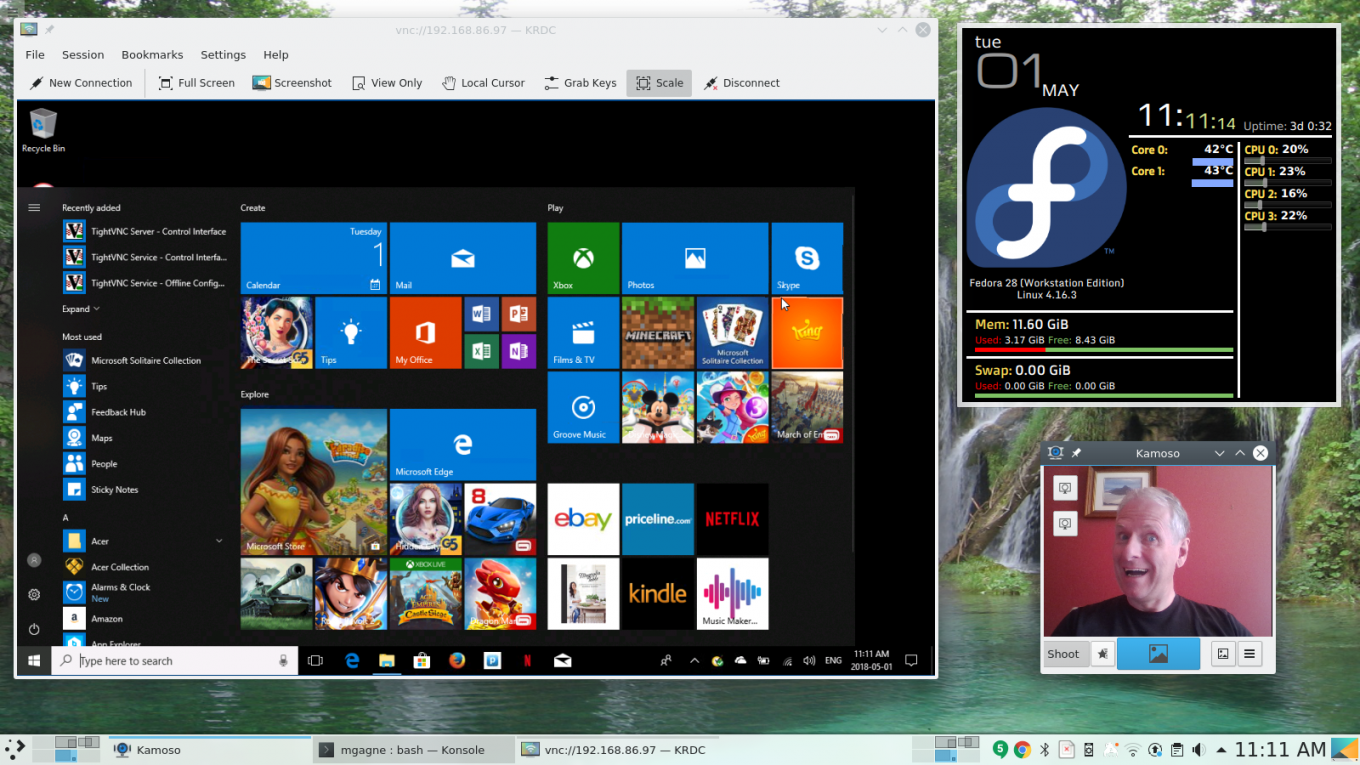
Karmic Screen Shot

Karmic Koala Eye Candy


Read more

Sex, Live, and Virtualization

Much has been made of Mark Shuttleworth's keynote speech at Linuxcon as to whether his speech was sexist, demeaning to women, and whether it was a reflection of the man. Last week, I said Mark was a cool billionaire based on my own personal definition of 'cool billionaire'. Right now, Cirque du Soleil founder (and billionaire) Guy Laliberté is on board the International Space Station fulfilling one of my of my great personal dreams -- ah, to be that rich! If Guy Laliberté also happens to like Linux/FOSS, he's definitely cool in my books.

So after pointing this out about Mark Shuttleworth, it was brought to my attention, many times, that perhaps he wasn't so cool after all and that perhaps I should watch the video. So I did.

Read the entire post on Ubuntu-User.com.

New Monthly Column. New Blog.

Today, I start with yet another online presence. I have a new blog over at Ubuntu-User.com, a companion site to the new Ubuntu User magazine by the fine people who bring you the slick, shiny LinuxPro Magazine. The second issue of the quarterly Ubuntu User magazine, in which another new column of mine appears, is on store shelves now. I'm very excited about this new blog, the Ubuntu User column, and I'm totally thrilled about my new monthly column which will be appearing in the pages of LinuxPro Magazine starting with the December issue.

Since this is day one of the new blog (which I call "Orbiting Planet *buntu*), here's an intro. To read the rest, click the Read More link at the end of this teaser. The first post is titled "U Done Me Right. U Done Me Wrong." Enjoy!

Ah, the first post of a new blog. It's opportunity. It's possibilities. It's the chance to create something new and exciting, or to totally fall flat on your face. I love the pressure. As I look around at this new place, I think I'm going to like it here. I'm excited by the shiny new glossy magazine that is Ubuntu User and I know you will be too.

So, what shall I talk about? Apparently, I can talk about pretty much anything. Given that this is post number one, I'm going to start with a quick overview of what you can expect here. I've been writing about, talking about, getting exciting about ( and a whole bunch more abouts) Linux, including other free and open source software offerings (aka FOSS) for years. I've given talks on Linux, done Linux training, spoken at Linux User Groups, done radio interviews and shows about Linux and FOSS, and I've done a number of television appearances talking about, uh huh, Linux and FOSS. You might say I'm a little passionate about it. What's more, I believe that Linux and FOSS are good for the world.

Click here to read more of this blog

Beware the Experts


A few recent stories from experts in the field or journalists have raised my ire more than a bit. Seemingly well intentioned, to inform and educate the reader, criticized where more research (or common sense) would have served better.

The Square Peg in the Round Hole

The first set of stories began with the idea of shoehorning an enterprise Linux distribution (i.e. workstation/server class) into a netbook computer . I read the first headline of this misadventure and was baffled by the idea and just couldn't understand the logic.  Netbooks are not tiny notebooks, but a whole different class of machine. This grand experiment evolved into a tirade against CentOS in general. As a CentOS user, this again made no sense, in that one who uses CentOS is aware that updates are generated from sources of upstream vendor and small delays have historically occurred. The delay of CentOS 5.3 had me considering moving to another distribution, and I still haven't made a final decision. Yet, I have always been in complete knowledge of the derivative nature of CentOS and the pluses and minuses of a distribution that is dependent of another.
Read more

The Mystical Magical Secure Shell, Part 1

by Marcel Gagné

Once upon a time, when the Earth was green, plain text communications was the norm. We used TELNET to connect to systems where we needed to get work done. From a security perspective, plain-text communications is frought with dangers. Anyone running a network sniffer program, of which there are many, can snoop on every packet sailing across your network. If you are logging in using TELNET, that person can see your user name and password plain as day.

One way around this dilemma is to use the secure shell. OpenSSH is an open-source implementation of the secure shell protocol that comes with almost every major Linux distribution. The secure shell is much more than a simple way to keep your passwords to yourself. Logging securely certainly qualifies as the basics for OpenSSH and it's certainly useful, but there are some seriously cool SSH features that should make you wonder why you would use anything else to communicate (well, almost). For instance, it's possible to tunnel ports you may not have access to (if the machine is behind a firewall) through the SSH port. SSH makes it possible to run remote graphical sessions easily. You can even securely log in without a password. SSH is a veritable Swiss Army knife of OS toys.

Yes, I'll cover all those things later. First, the basics.
Read more

Promotion, Promotion, Promotion

As I've mentioned before, and will mention again, freelancing is a business. Business requires customers, and freelancers who create content (writers, course developers, etc.) essentially have two types of customers: people who pay them to create, and people who read or use what's created. Sometimes both types are in the same entity, such as a company that hires you to create a course for their own people to use in-house around some of their own tasks. Many times both types are separate entities, such as writing an article for a magazine, which is then read by the people who subscribe to that magazine.

As a business, you obviously need to cultivate both groups, yet in a way you can do both at the same time. The key is to always remember that you're promoting your business, and so don't break down into someone who spams everyone they know every time they do some little thing. At best people's eyes will start to glaze over and they'll miss the interesting stuff. At worst, all of your email to these people will end up being filtered automatically into the Delete box without a glance.

Click here to read the rest.

Linux, Thunderbird, and the BlackBerry; A Love Story (Cooking with Linux)


Thinking about keeping our various devices in sync with our Linux systems can be the source of nightmares for many. After all, asking for an open source solution that can keep millions of smart phones, cell phones, email clients, contact databases, and calendars on the same planet, never mind the same page, seems akin to asking for the moon. To which Chez Marcel would like to ask, "Would you like a nice rich Merlot with that moon?"


Read more

 
Excuse me, François, but what are you doing? Are you sending text messages while you should be getting ready for the restaurant to open? You aren't? Well, if you aren't texting, what are you doing hunched over that cell phone? Quoi? You have three cell phones that you are typing into. My apologies, mon ami, but now I really have no idea what you are doing. Ah, I see . . . trying to update your contact list and calendars and you can't think of a way to do that with you Linux system. But three phones? One is your BlackBerry and the other two phones belong to your aunt and your mother. Sigh . . . Tech support for the family on restaurant time, François. What am I going to do with you? Put those phones down and I'll show you a better way to synchronize all those contacts. Quickly! I can see our guests arriving even now.

Freelancing, Specialization, Variety, and Survival

"Freelancer" is such a generic term, right up there with "Contractor" or "Consultant" for telling people absolutely nothing about what you actually do.

As many people would be happy to tell you, the term "Freelance" comes from "Free Lance," basically a lance (mercenary) for hire rather than belonging to this or that noble's guards or army. This definition leads to all kinds of jokes about cut-throat industries, etc., but it's basically accurate. A freelancer is self-employed, moving from one job to another as time and work dictate. At any given time a freelancer may be working solely for one client, or for many clients at once. The next day, they may have moved on. The next year, they may still be working for the same people.

-- Read the rest at YouWordMe.com


Beer, Linux and Ontario

One thing that most GNU/Linux users have in common... We love beer. We talk of our operating system and software as being FREE as in beer and FREE as in freedom. There are lots of good microbreweries and brewpubs in Ontario and in October we have the Ontario [GNU] Linux Fest onlinux.ca/
Read more

Syndicate content